A table that runs for eight pages of a Serbian law
This PDF is a Serbian regulatory document — 120 pages of it — collected for a cross-country study of industry policy. The data you want is one enormous fee table that runs from page 90 to page 97 with no boundary markers between pages, plus a math formula on page 98 that isn’t text at all. Nothing about “the table” exists in the file; it’s just eight pages of rows.
from natural_pdf import PDF
pdf = PDF("pdfs/serbia-zakon-o-naknadama-za-koriscenje-javnih.pdf")pdf.pages[:8].show(cols=4)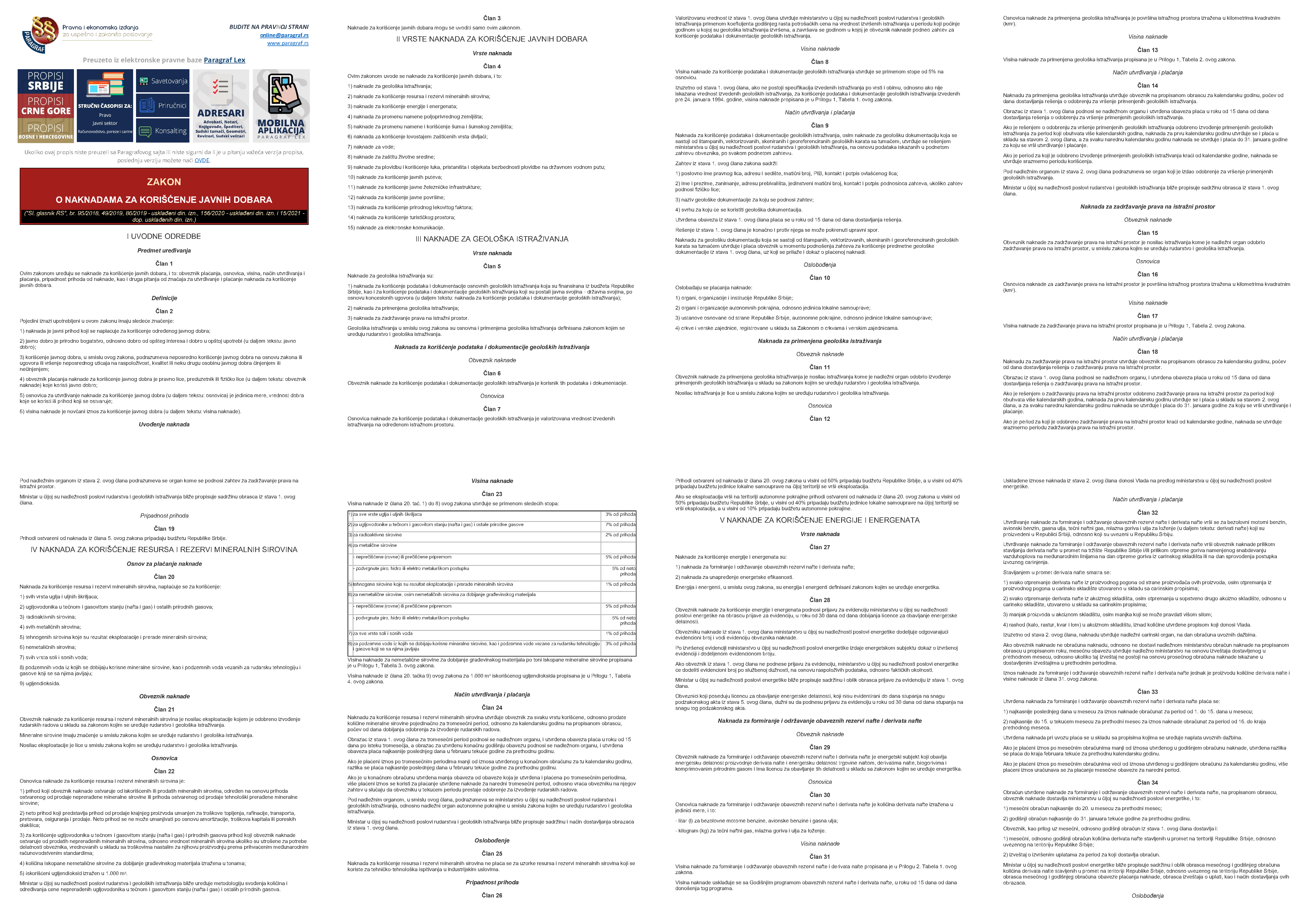
Find the pages by content, not page number
Section titled “Find the pages by content, not page number”The submitter said “pages 90 to 97,” but page numbers shift between document revisions. It’s sturdier to say “between the page with this and the page with that.” pdf.find() searches the whole document and every element knows its .page:
first_page = pdf.find(text="Prilog 7.").pagelast_page = pdf.find(text='VISINA NAKNADE ZA ZAGAĐENJE VODA').pagepages = pdf.pages[first_page.index:last_page.index+1]pages.show(cols=4)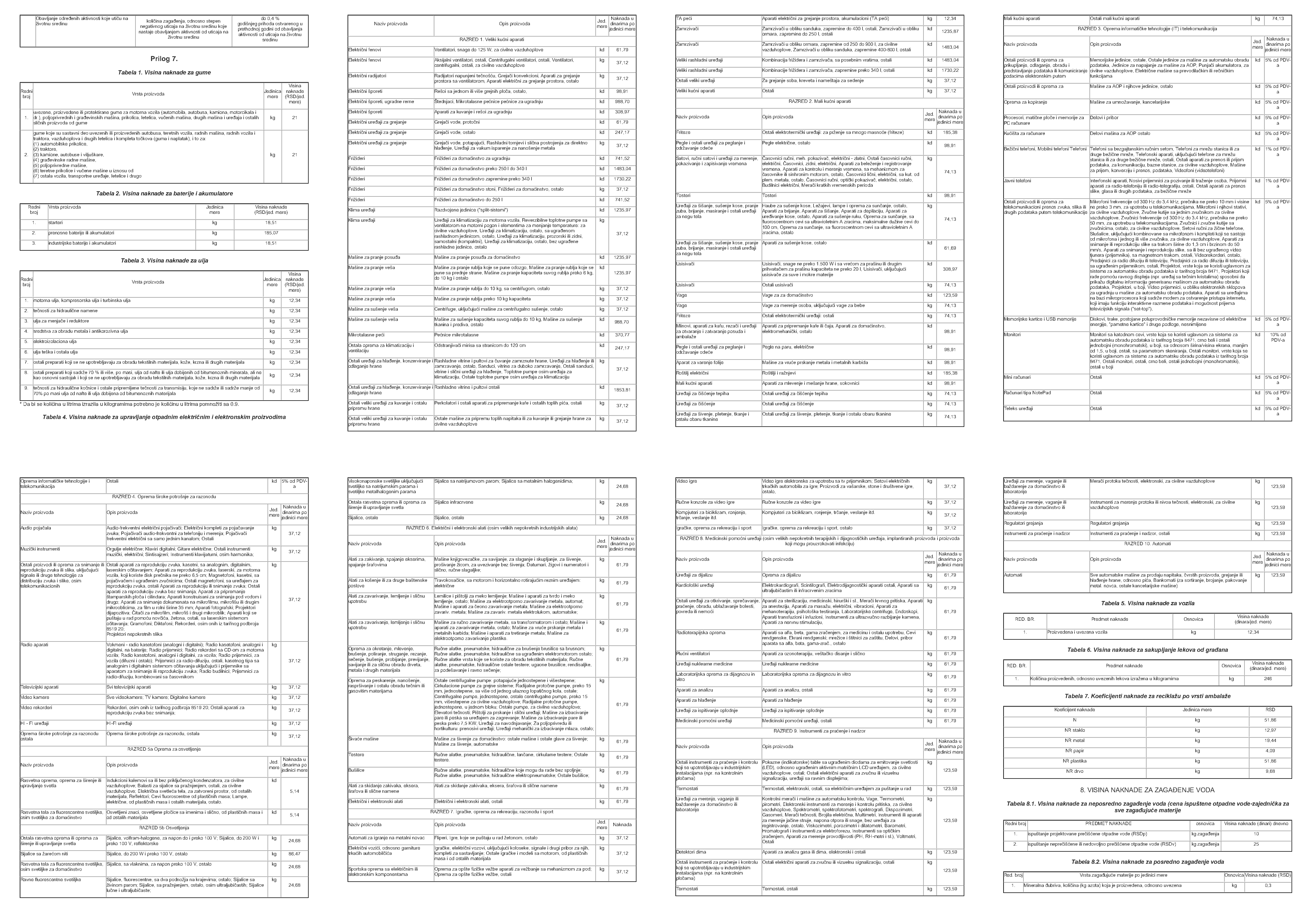
One region across page boundaries
Section titled “One region across page boundaries”We want everything between “Tabela 4” and “Tabela 5”. multipage=True lets .below() keep going past the end of the page — the result is a single region that spans however many pages it needs:
region = ( pages .find(text="Tabela 4") .below( until="text:contains(Tabela 5)", include_endpoint=False, multipage=True ))region.show(cols=4)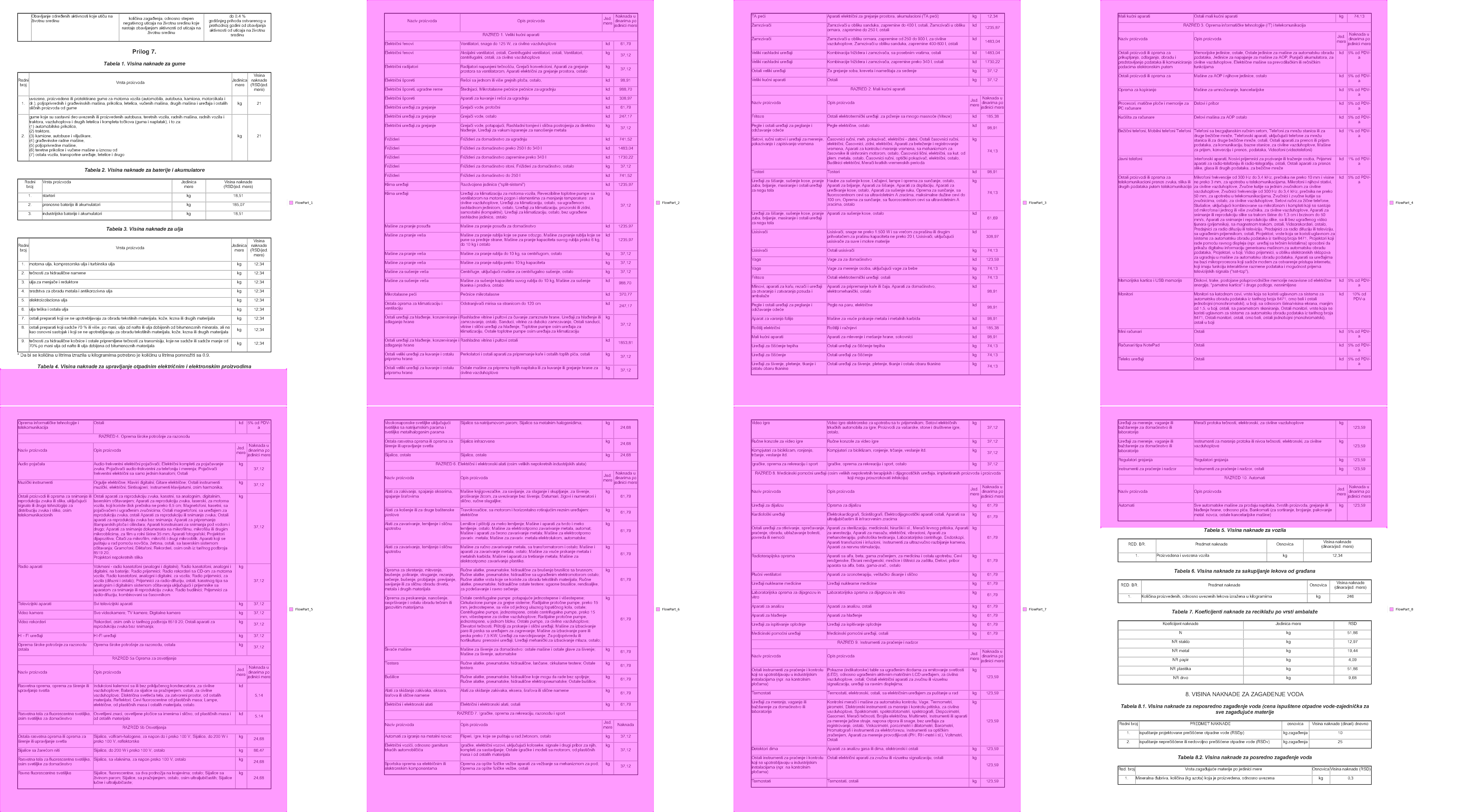
Split into sections by category
Section titled “Split into sections by category”The table is broken up by category headers labeled “RAZRED”. get_sections() cuts the region at each one:
sections = region.get_sections('text:contains(RAZRED)', include_boundaries='none')
sections.show(cols=4)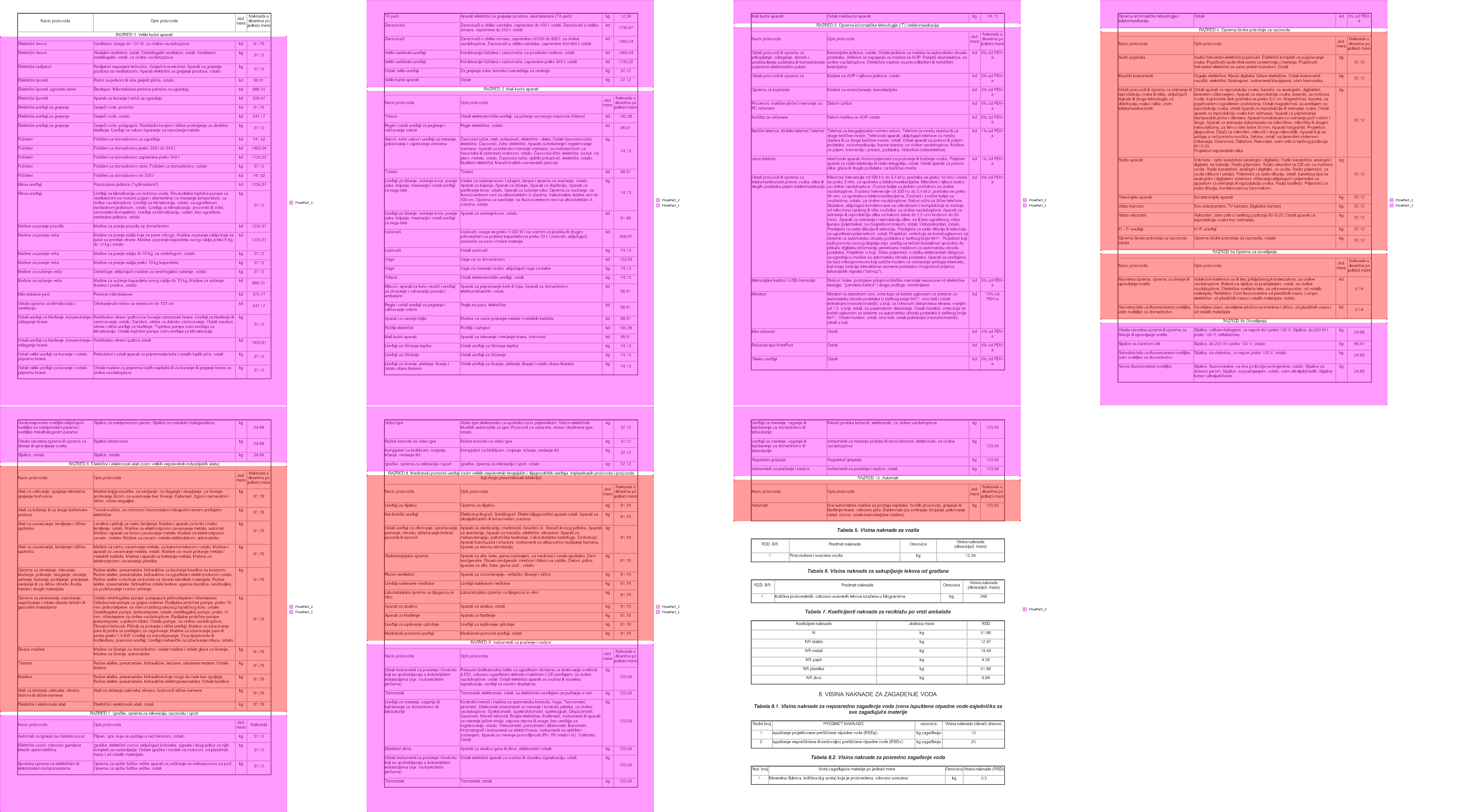
Some sections repeat the column headers and some don’t — which is exactly what breaks naive extraction. Here’s one that spans two pages and has headers:
sections[7].show(cols=2)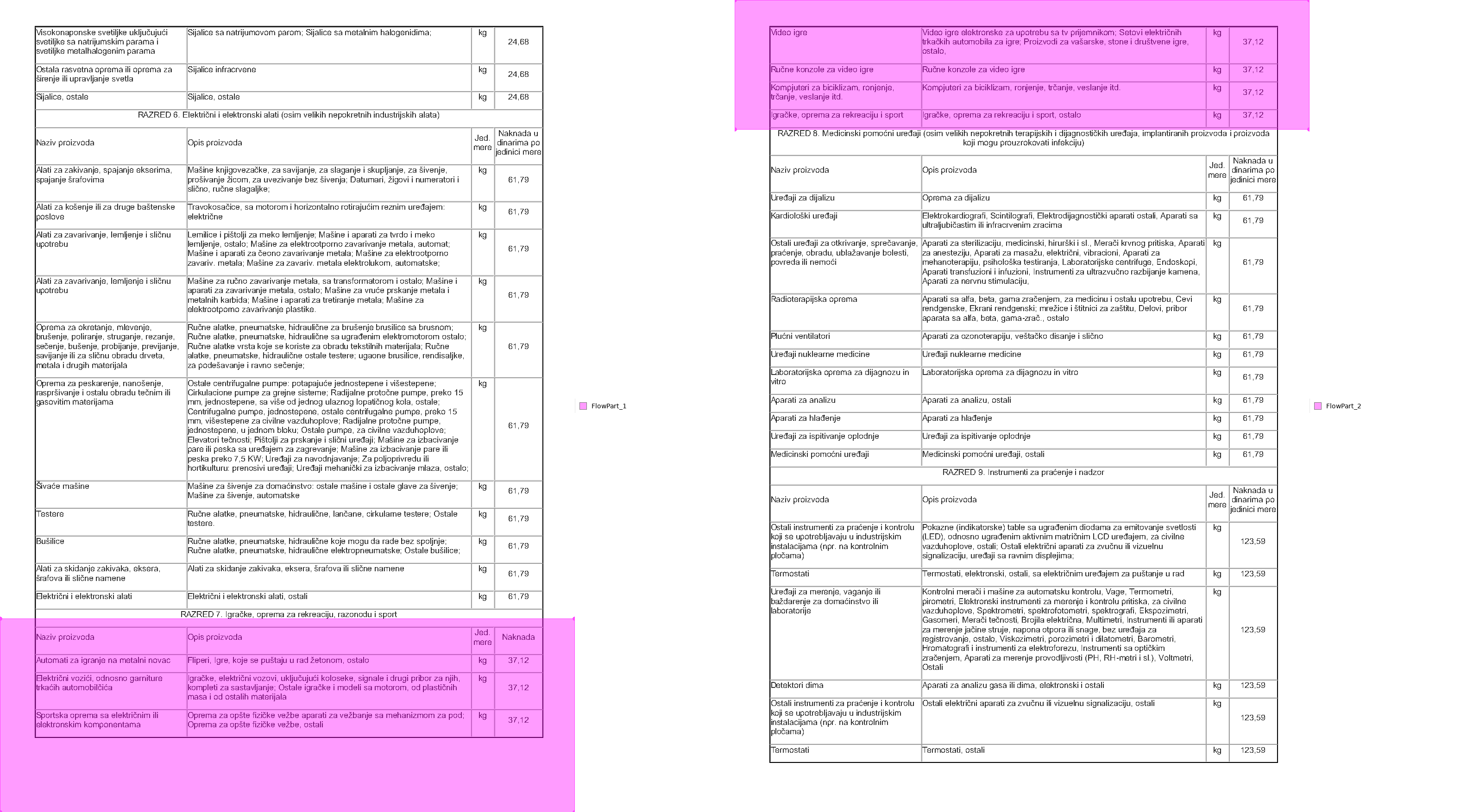
Since it has headers, .to_df() just works — the page break in the middle doesn’t matter, because the section is one region:
sections[7].extract_table().to_df()| Naziv proizvoda | Opis proizvoda | Jed.\nmere | Naknada | |
|---|---|---|---|---|
| 0 | Automati za igranje na metalni novac | Fliperi, Igre, koje se puštaju u rad žetonom, ... | kg | 37,12 |
| 1 | Električni vozići, odnosno garniture\ntrkaćih ... | Igračke, električni vozovi, uključujući kolose... | kg | 37,12 |
| 2 | Sportska oprema sa električnim ili\nelektronsk... | Oprema za opšte fizičke vežbe aparati za vežba... | kg | 37,12 |
| 3 | Video igre | Video igre elektronske za upotrebu sa tv prije... | kg | 37,12 |
| 4 | Ručne konzole za video igre | Ručne konzole za video igre | kg | 37,12 |
| 5 | Kompjuteri za biciklizam, ronjenje,\ntrčanje, ... | Kompjuteri za biciklizam, ronjenje, trčanje, v... | kg | 37,12 |
| 6 | Igračke, oprema za rekreaciju i sport | Igračke, oprema za rekreaciju i sport, ostalo | kg | 37,12 |
This next one has no header row:
sections[5].show(cols=2)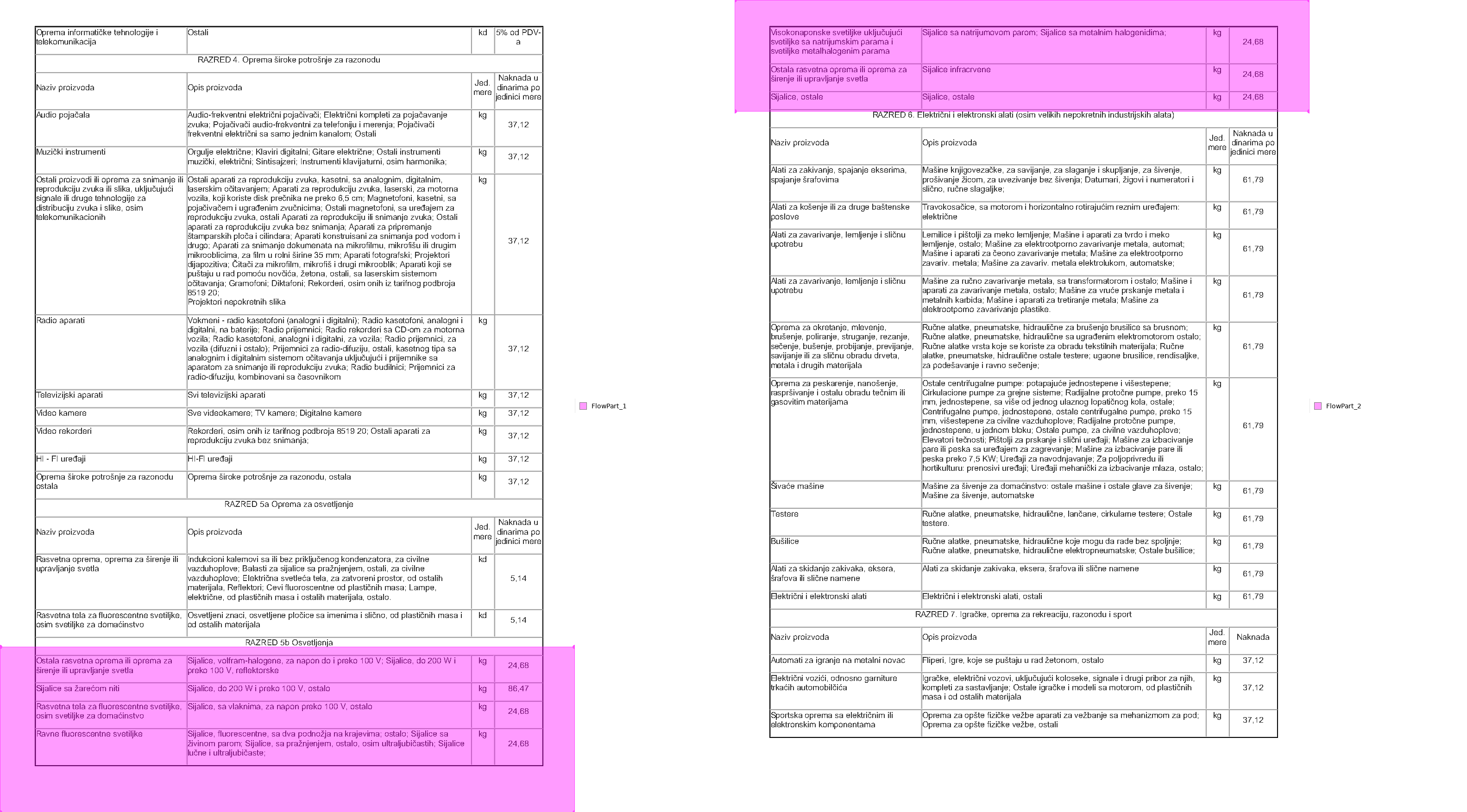
Tell to_df() not to promote the first row, and name the columns yourself:
df = sections[5].extract_table().to_df(header=False)df.columns = ['Naziv proizvoda', 'Opis proizvoda', 'Jed. mere', 'Naknada u dinarima po jedinici mere']df| Naziv proizvoda | Opis proizvoda | Jed. mere | Naknada u dinarima po jedinici mere | |
|---|---|---|---|---|
| 0 | Ostala rasvetna oprema ili oprema za\nširenje ... | Sijalice, volfram-halogene, za napon do i prek... | kg | 24,68 |
| 1 | Sijalice sa žarećom niti | Sijalice, do 200 W i preko 100 V, ostalo | kg | 86,47 |
| 2 | Rasvetna tela za fluorescentne svetiljke,\nosi... | Sijalice, sa vlaknima, za napon preko 100 V, o... | kg | 24,68 |
| 3 | Ravne fluorescentne svetiljke | Sijalice, fluorescentne, sa dva podnožja na kr... | kg | 24,68 |
| 4 | Visokonaponske svetiljke uključujući\nsvetiljk... | Sijalice sa natrijumovom parom; Sijalice sa me... | kg | 24,68 |
| 5 | Ostala rasvetna oprema ili oprema za\nširenje ... | Sijalice infracrvene | kg | 24,68 |
| 6 | Sijalice, ostale | Sijalice, ostale | kg | 24,68 |
Loop over sections with that if/else — headers or not — and you have the whole eight-page table.
The formula on page 98
Section titled “The formula on page 98”The math formula isn’t text — it’s an embedded image. Find its page by the text around it, then grab the image element:
page = pdf.find(text="Obračun naknade za neposredno zagađenje voda").pagepage.find("image").show()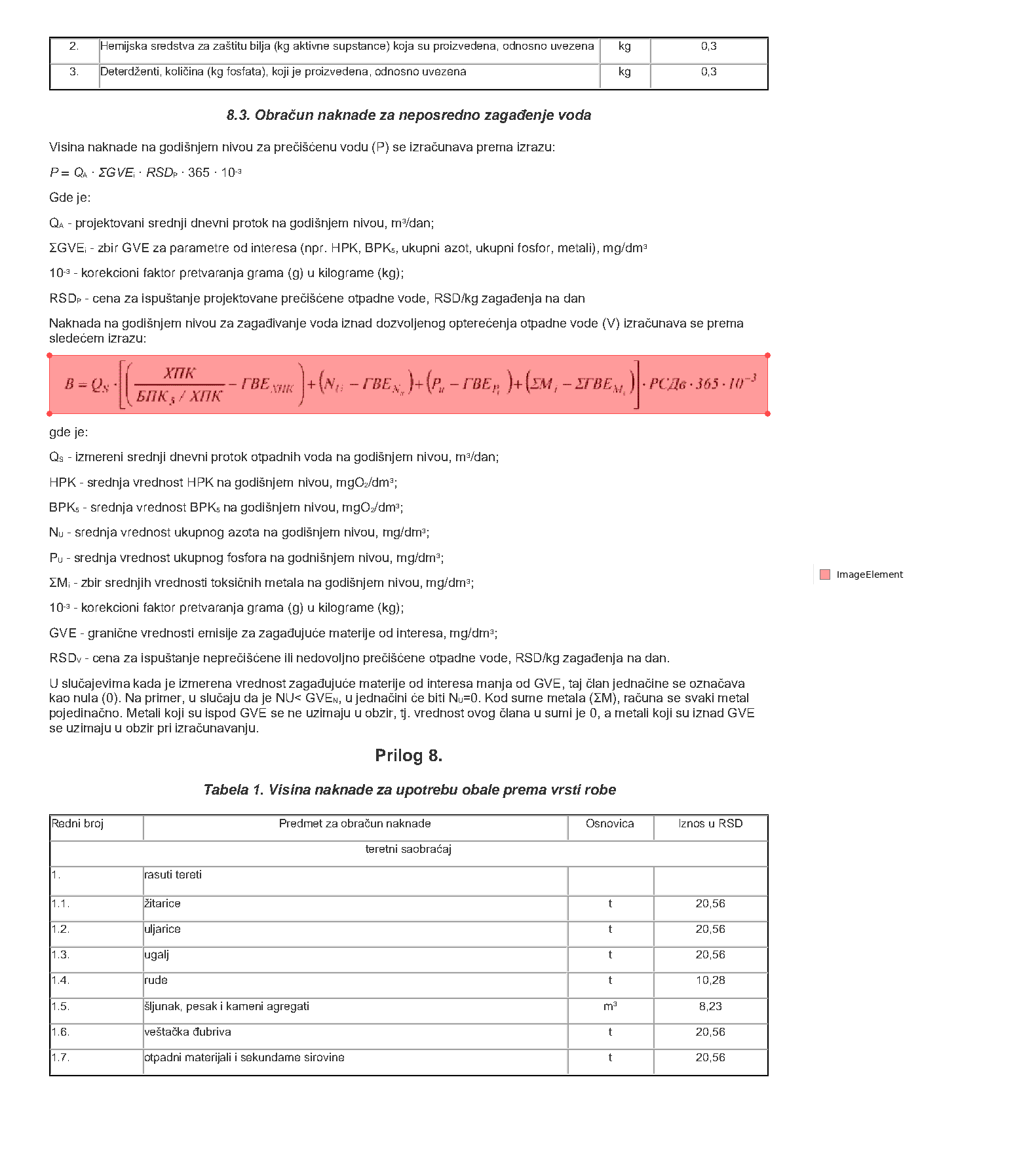
Natural PDF won’t convert the formula to LaTeX for you — that’s a job for a math-OCR model. But pulling the image out means you can hand it to one, or to a human.