Zebra-stripe tables with no ruling lines
This PDF lists alcohol licensees in Oklahoma. The table has no drawn cell borders at all — rows are separated by alternating background colors (“zebra stripes”), cells wrap onto multiple lines, and the columns sit close enough together that the automatic table detector merges them. A bare page.extract_table() comes back scrambled.
from natural_pdf import PDF
pdf = PDF("pdfs/m27.pdf")page = pdf.pages[0]page.show()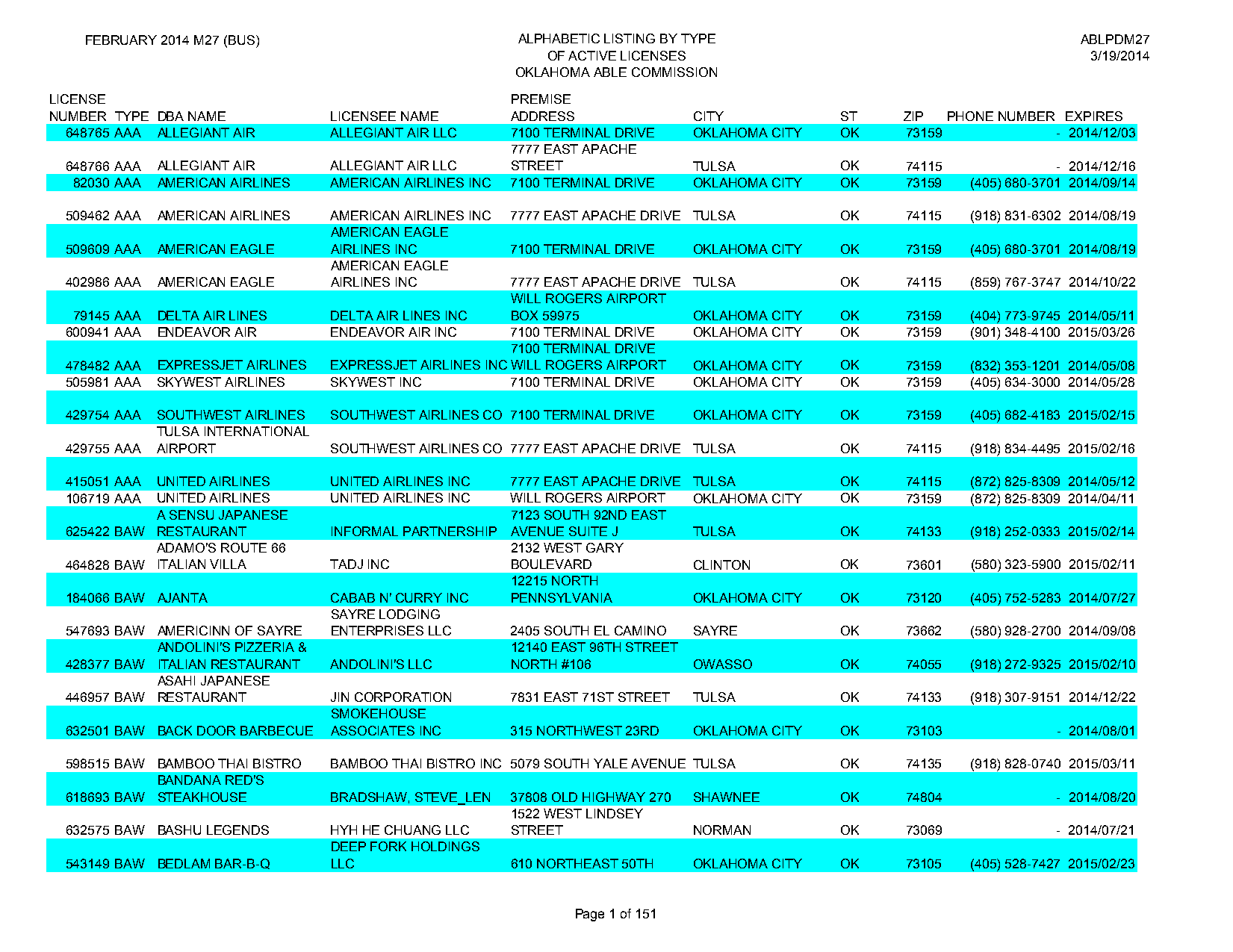
Exclude the header and footer
Section titled “Exclude the header and footer”First, think about what you don’t want: the letterhead above the column headers, and the “Page N of M” stamp at the bottom.
header = page.find(text="PREMISE").above()footer = page.find(r"text:regex(Page \d+ of)")(header + footer).show()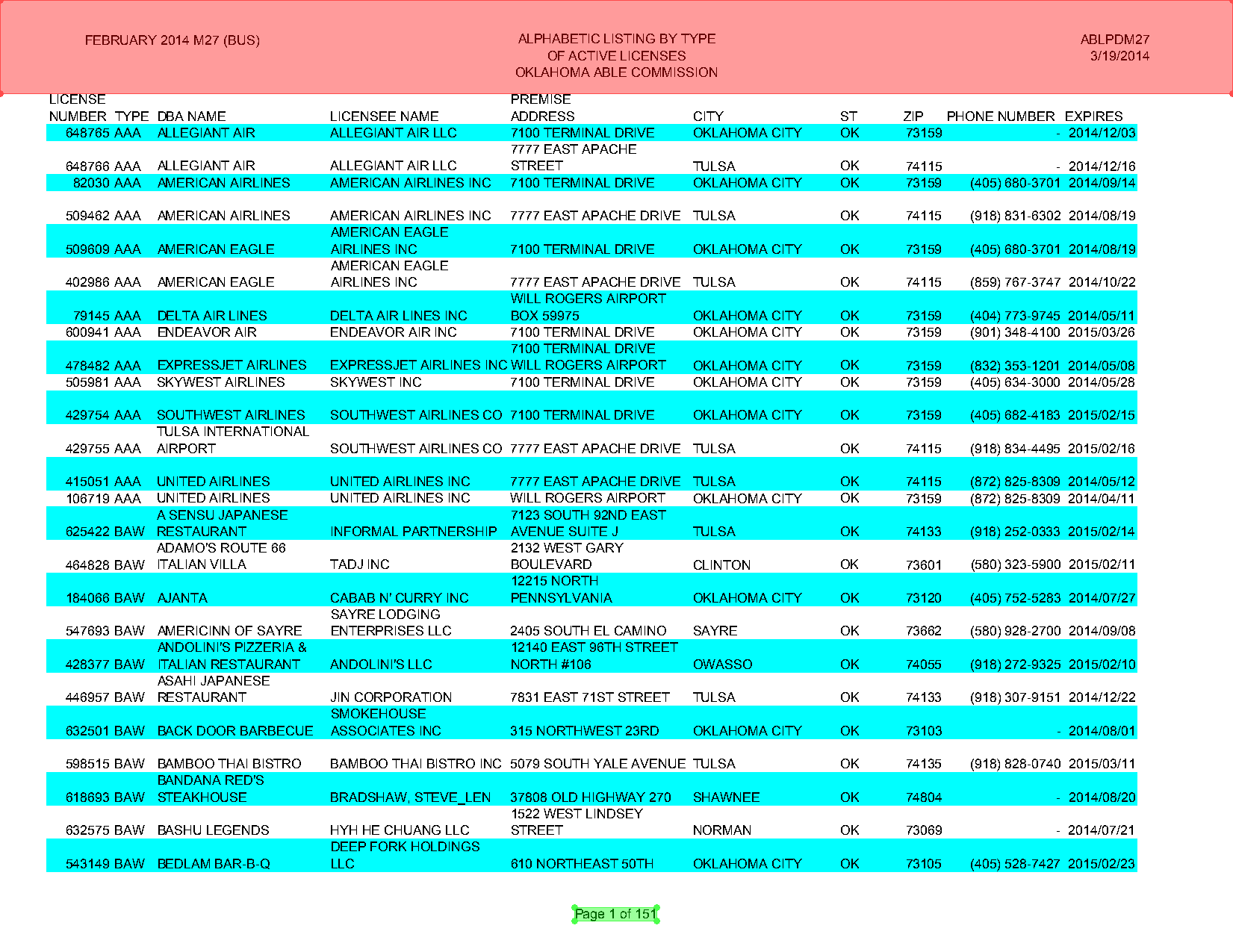
Registering exclusions on the PDF with a lambda page: makes them apply to every page, not just this one:
print("Before exclusions:", page.extract_text()[:200])
pdf.add_exclusion(lambda page: page.find(text="PREMISE").above())pdf.add_exclusion(lambda page: page.find(r"text:regex(Page \d+ of)").expand())
print("After exclusions:", page.extract_text()[:200])
page.show(exclusions='red')
Before exclusions: FEBRUARY 2014 M27 (BUS) ALPHABETIC LISTING BY TYPE ABLPDM27
OF ACTIVE LICENSES 3/19/2014
OKLAHOMA ABLE COMMISSION
LICENSE PREMISE
NUMBER TYPE DBA NAME LICENSEE NAME ADDRESS CITY ST ZIP PHONE NUMBER EX
After exclusions: LICENSE PREMISE
NUMBER TYPE DBA NAME LICENSEE NAME ADDRESS CITY ST ZIP PHONE NUMBER EXPIRES
648765 AAA ALLEGIANT AIR ALLEGIANT AIR LLC 7100 TERMINAL DRIVE OKLAHOMA CITY OK 73159 - 2014/12/03
7777 EAST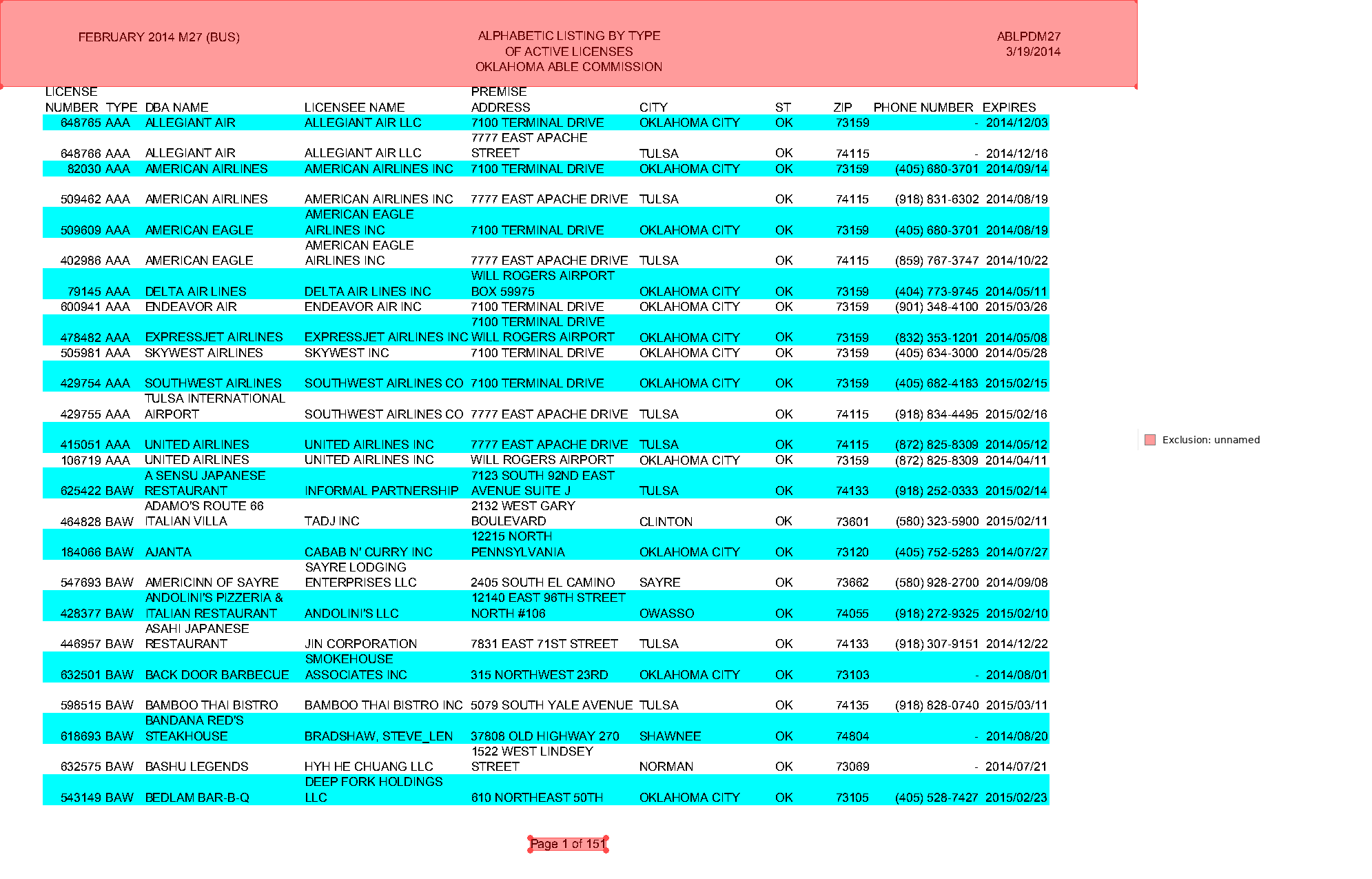
Build the grid with guides
Section titled “Build the grid with guides”Since there are no lines to detect, we draw our own with Guides — explicit column and row boundaries that extract_table() will respect.
from natural_pdf.guides import Guides
guides = Guides(page)
Columns from the headers
Section titled “Columns from the headers”The column headers are all left-aligned, which is exactly what a guide can lock onto. Grab the “NUMBER” header and everything to its right:
region = ( page .find(text="NUMBER") .right(include_source=True))region.show(crop=100)
The headers aren’t perfectly aligned on one baseline, so give the row 3px of wiggle room before collecting the text elements:
headers = ( page .find(text="NUMBER") .right(include_source=True) .expand(top=3, bottom=3) .find_all('text'))headers.show(crop=100)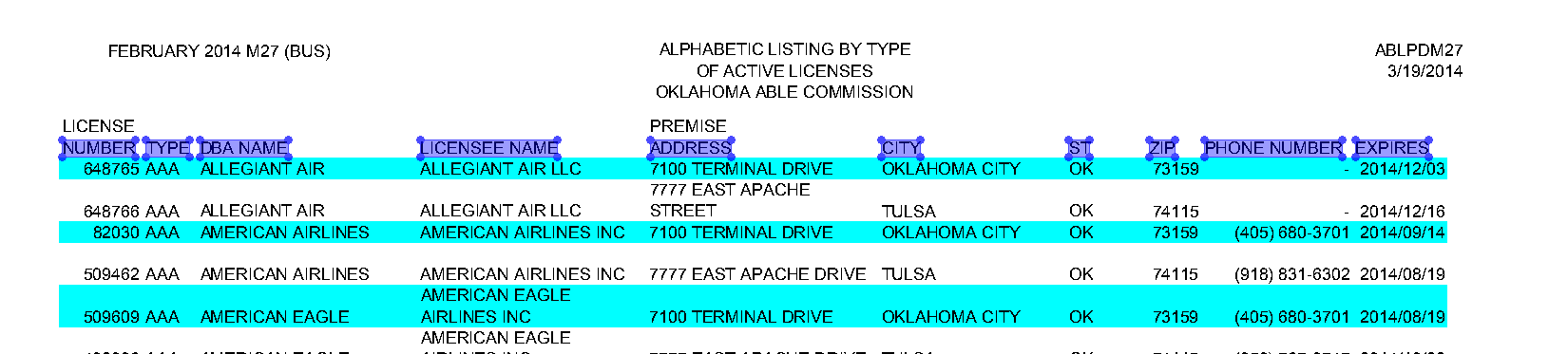
Every header is left-aligned, so drop a vertical guide at the left edge of each one:
guides.vertical.from_content(headers, align='left')guides.show()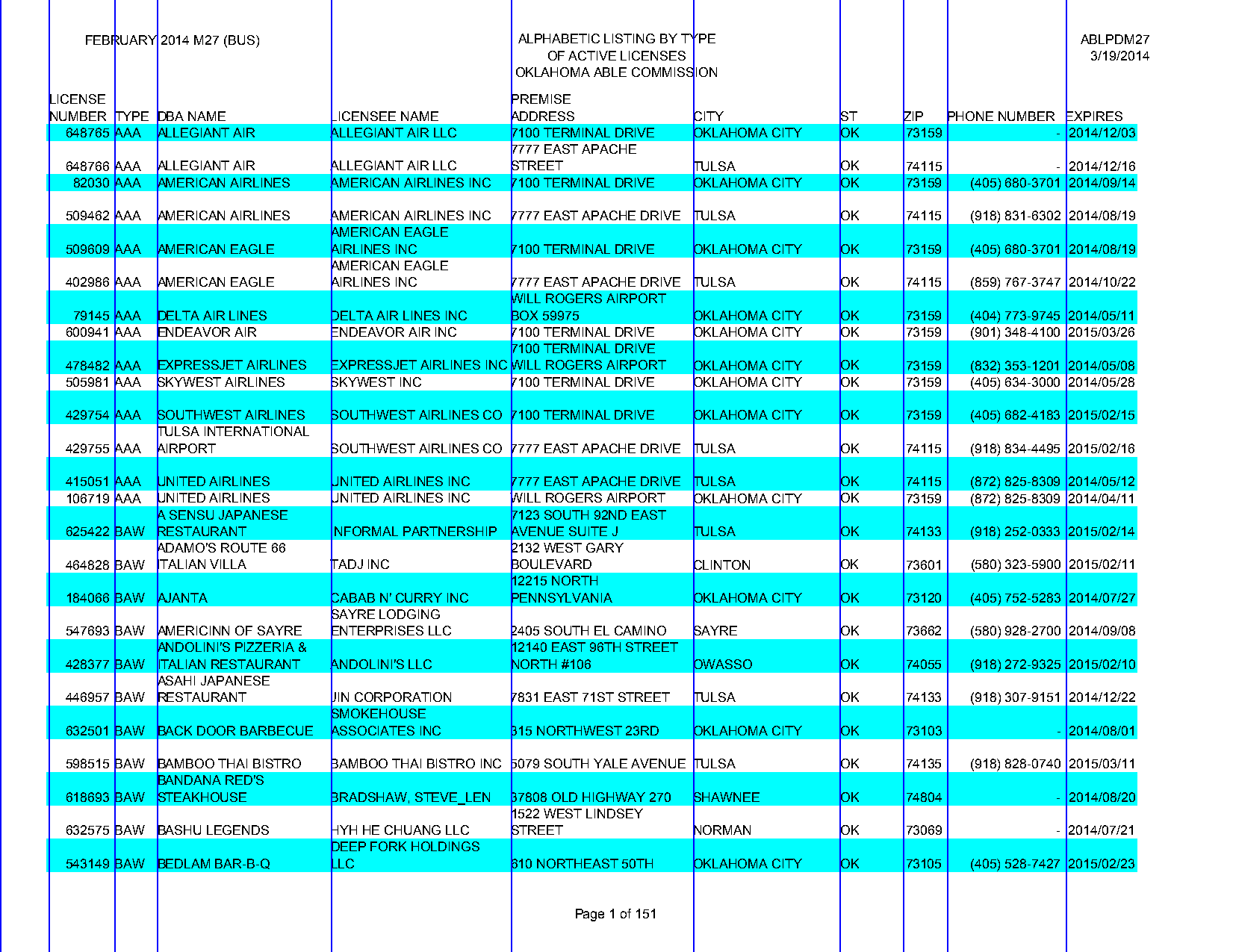
Rows — two ways
Section titled “Rows — two ways”Now the rows. Two options, and the zebra stripes that made this PDF annoying turn out to be the first one.
By zebra stripes
Rows have alternating blue bands behind them. horizontal.from_stripes() runs a two-step process:
- Find the most common color of rectangle on the page
- Add guides at the top and bottom of each one
You can pass color= or hand it the rectangles yourself, but here the defaults work:
guides.horizontal.from_stripes()guides.show()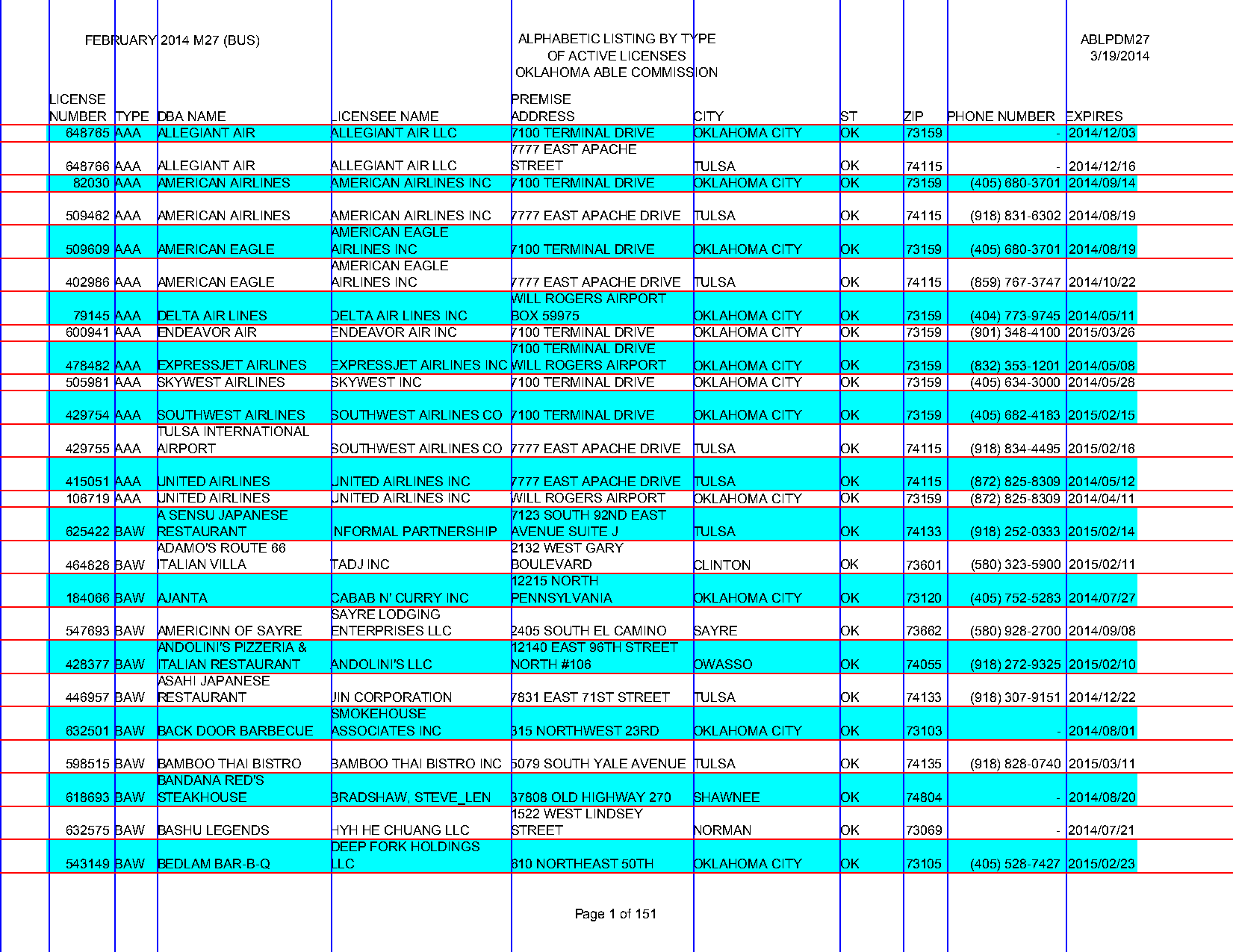
By license number
If the stripes were unreliable — scanned pages lose them all the time — anchor on something that appears exactly once per row: the license number. Draw down from the NUMBER header:
( page .find(text="NUMBER") .below(width='element')).show(crop=100, width=700)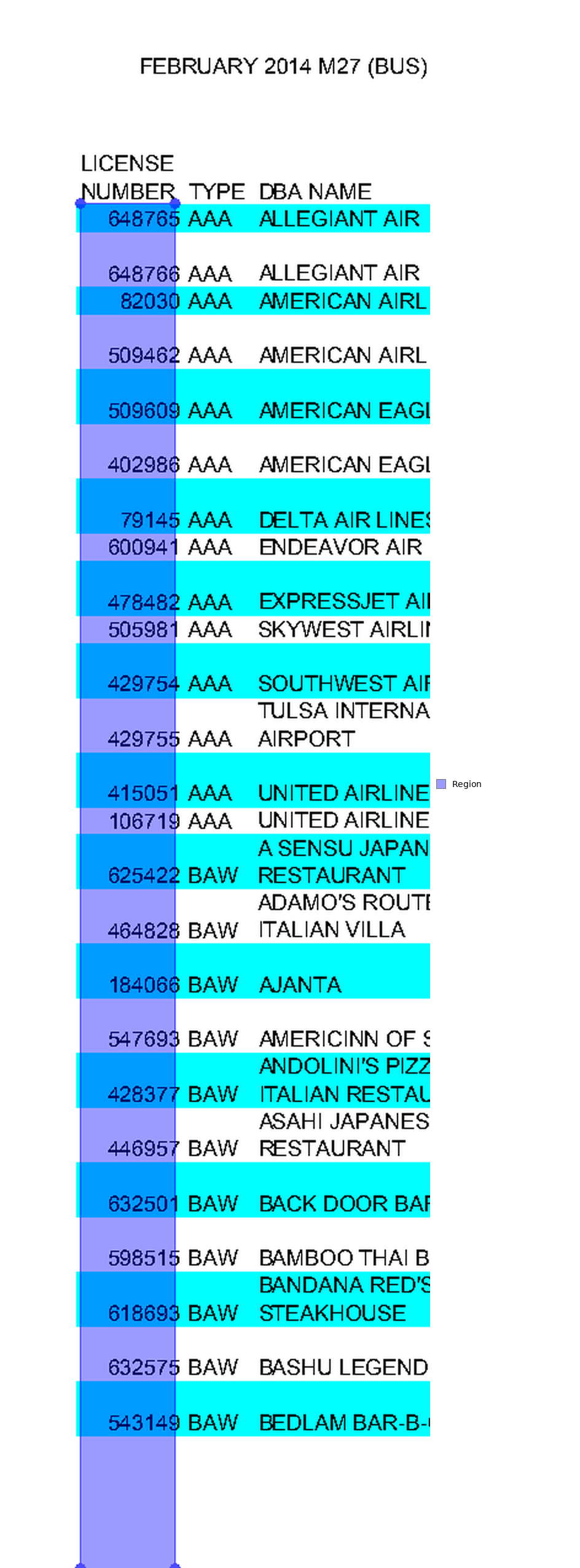
Collect the numbers underneath it. overlap='partial' is needed because the header column doesn’t fully cover each license number:
rows = ( page .find(text="NUMBER") .below( width='element', include_source=True ) .find_all('text', overlap='partial'))rows.show(crop=100, width=700)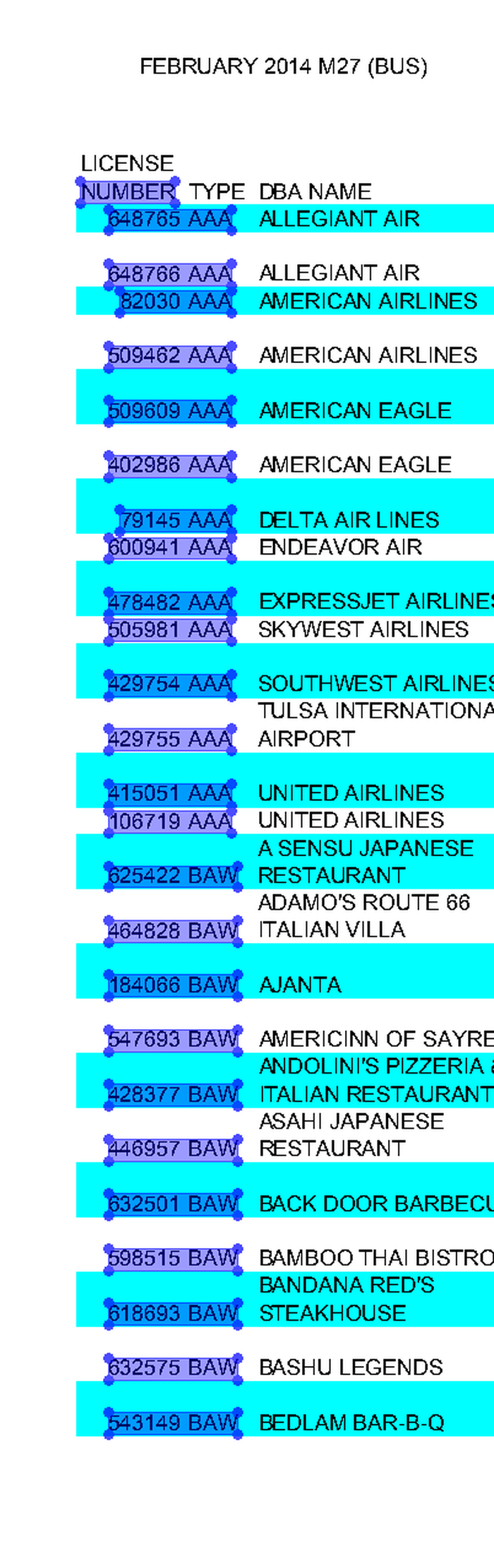
Feed each row to from_content and draw a boundary at the bottom of each one:
guides.horizontal.from_content(rows, align='bottom')guides.show()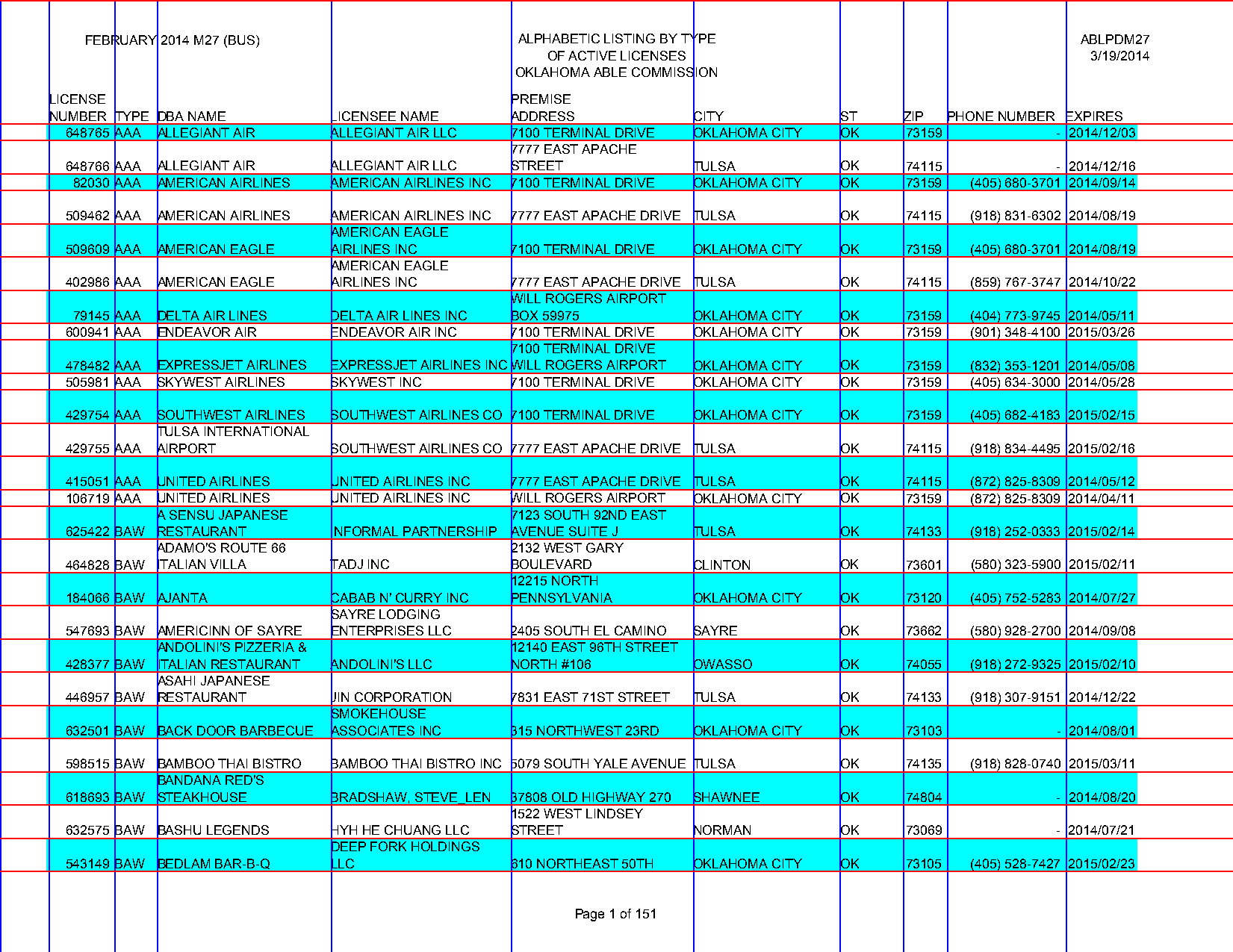
Extract
Section titled “Extract”include_outer_boundaries=True closes the grid at the page edges so both approaches above produce a complete table (one of them gives you an extra column of margin, which is easy to drop):
df = ( guides .extract_table(include_outer_boundaries=True) .to_df())df.head()| None | LICENSE\nNUMBER | TYPE | DBA NAME | LICENSEE NAME | PREMISE\nADDRESS | CITY | ST | ZIP | PHONE NUMBER | EXPIRES | |
|---|---|---|---|---|---|---|---|---|---|---|---|
| 0 | None | 648765 | AAA | ALLEGIANT AIR | ALLEGIANT AIR LLC | 7100 TERMINAL DRIVE | OKLAHOMA CITY | OK | 73159 | - | 2014/12/03 |
| 1 | None | 648766 | AAA | ALLEGIANT AIR | ALLEGIANT AIR LLC | 7777 EAST APACHE\nSTREET | TULSA | OK | 74115 | - | 2014/12/16 |
| 2 | None | 82030 | AAA | AMERICAN AIRLINES | AMERICAN AIRLINES INC | 7100 TERMINAL DRIVE | OKLAHOMA CITY | OK | 73159 | (405) 680-3701 | 2014/09/14 |
| 3 | None | 509462 | AAA | AMERICAN AIRLINES | AMERICAN AIRLINES INC | 7777 EAST APACHE DRIVE | TULSA | OK | 74115 | (918) 831-6302 | 2014/08/19 |
| 4 | None | 509609 | AAA | AMERICAN EAGLE | AMERICAN EAGLE\nAIRLINES INC | 7100 TERMINAL DRIVE | OKLAHOMA CITY | OK | 73159 | (405) 680-3701 | 2014/08/19 |
The multi-line cells come through intact because the row guides — not line breaks — decide where one record ends and the next begins.